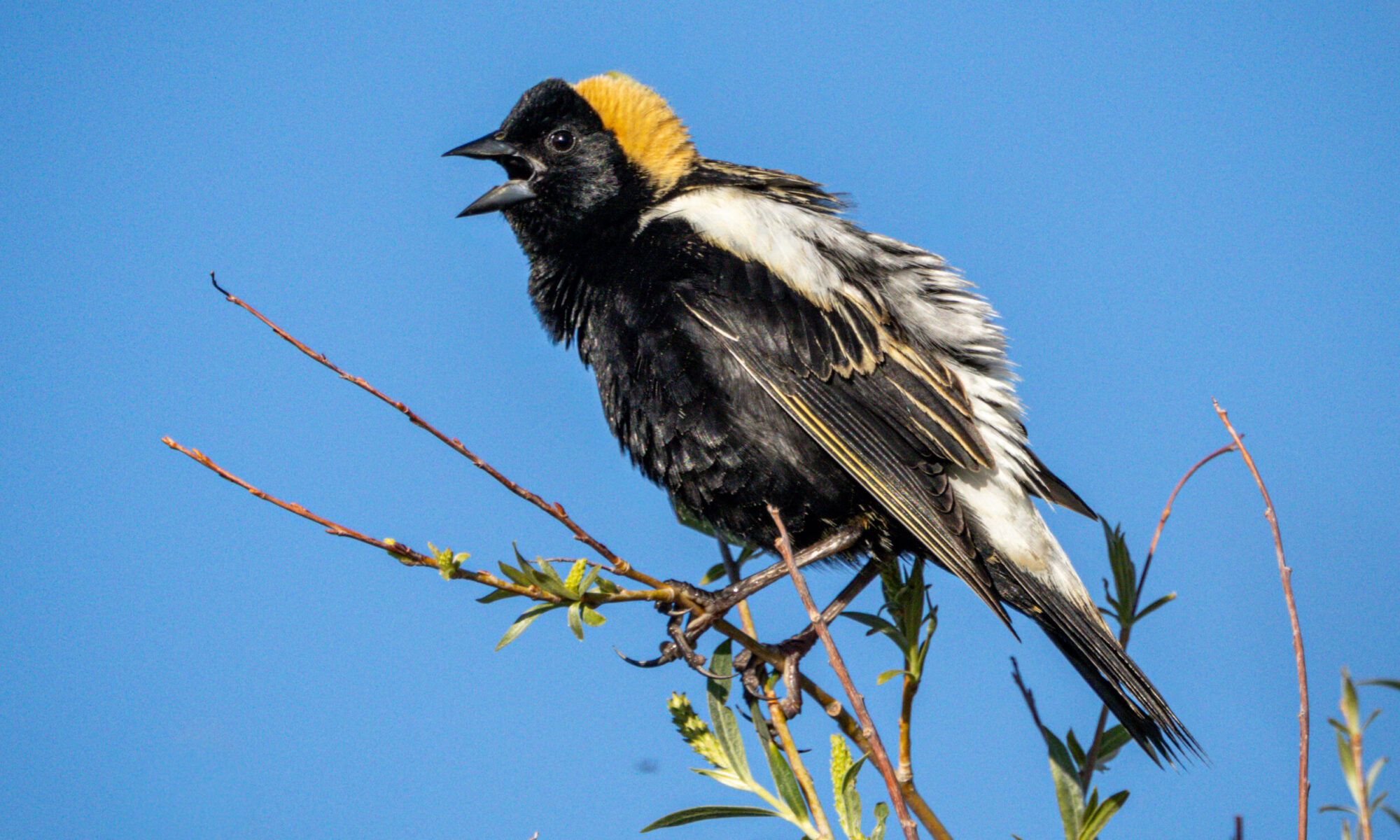
Here are 3 images comprising the portrait component of the “Photo” Project.
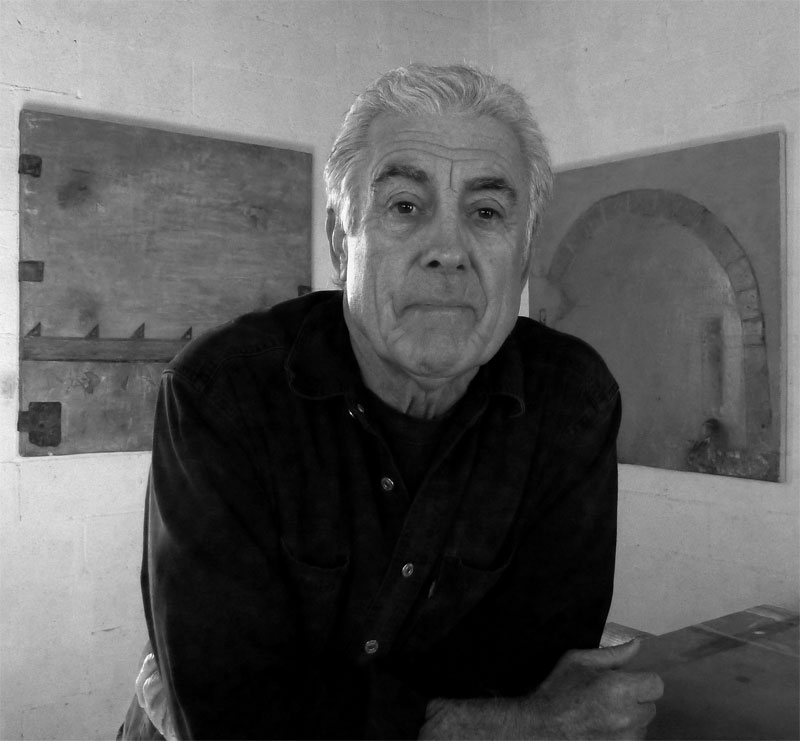 Phil Miller, painter
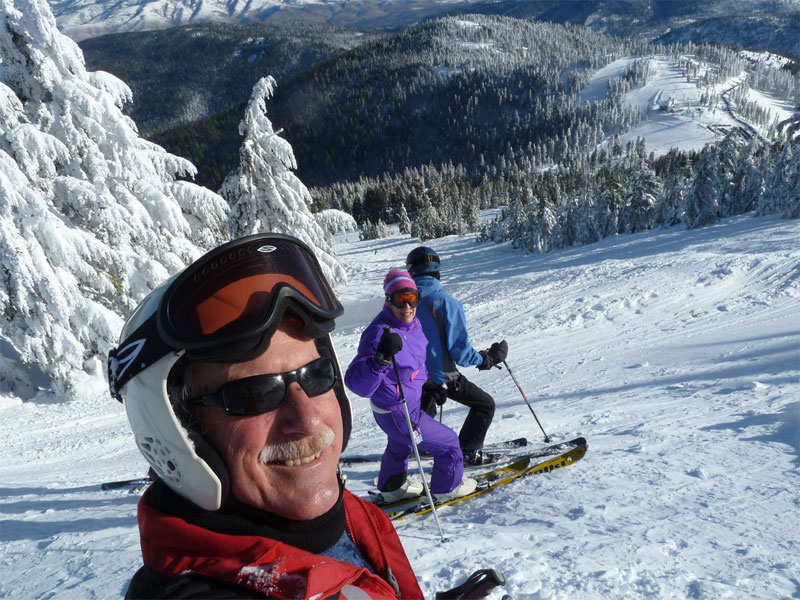 Self-portrait, Mt. Ashland
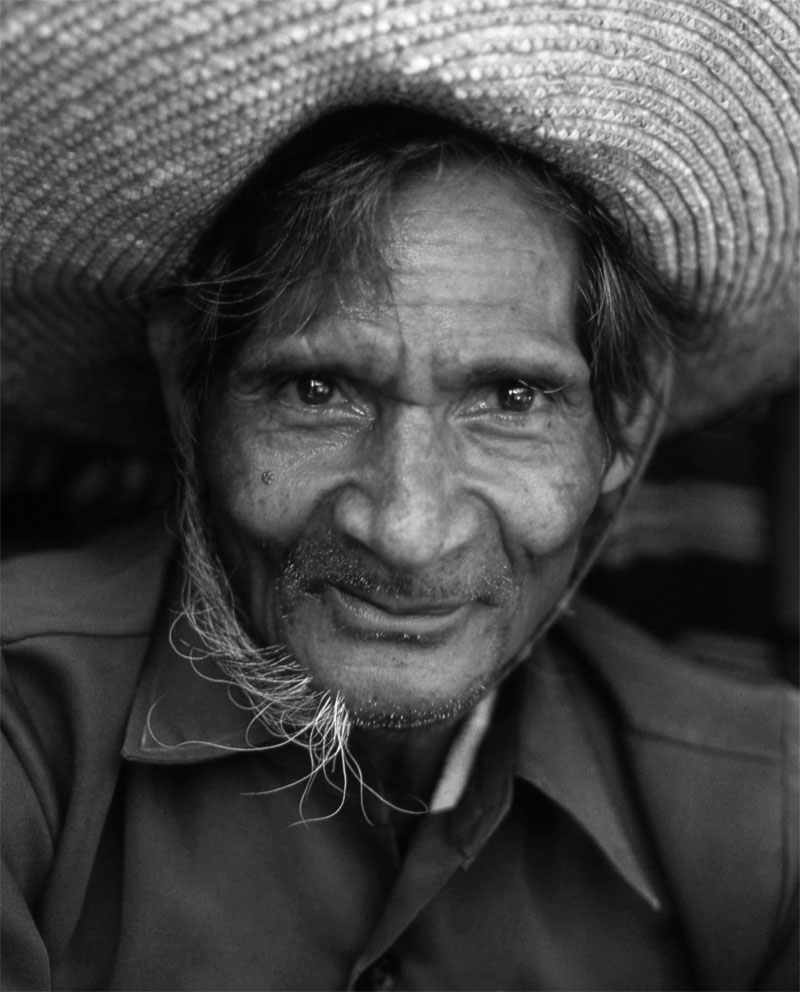 Portrait of a garment vendor, Flores, Indonesia
Dealing with existing images and working with them in Photoshop was the primary reason for me enrolling in this course. The projects leading up to this assignment provided me the Photoshop tools required for the portrait component of the project—to focus on post-processing rather than familiarizing myself with features of my camera.
The two portraits (self-portrait and Phil Miller, painter) were taken with a relatively inexpensive point-and-shoot pocket camera with manual settings. The wide (Leica) lens was absolutely essential in the self-portrait up on the mountain (the wide 22° lens and extreme depth-of-field really made the image). The portrait of Phil Miller, a dear friend and painter living in Tucson, AZ, was taken in his studio with available morning light. There was some some minor cropping of the original image but what makes this image is the conversion to B&W using the Imaging Factory conversion filter. The ability to virtually change (B&W) filters on a color image is mind-boggeling to one who used to carry bags of 52mm filters for my Nikon lenses.
The portrait of the garment vendor was part of a series of images I captured in a village market in Flores, Indonesia back in the 70’s. The intent of the shoot was to document the creation and marketing of ikat weaving common to this small town (Maumere) and this fellow was one of several vendors in the open-air market. We chatted, discussing the quality of his weavings, and I photographed elements of the cloths he held dear. I then gestured that I’d like a photo of him to complement the weavings, and he obliged. Really quite simple, thinking back on it.
The original photo is on a Kodachrome slide, so to satisfy the requirements of this project I scanned the image and changed the mode to B&W. It was a low-light situation and the lens was wide open resulting in a very shallow depth-of-field. I’ve therefor cropped off the distracting (out-of-focus) top of his hat to focus on his eyes.
The images of the weavings and the narrative describing the ikat weaving process have been published in a vanity book of which a copy is free to view online at http://www.blurb.com/books/1686525 (this link will open in a new window). I strongly encourage clicking the full-screen icon located in the lower-right.
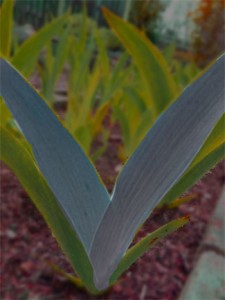
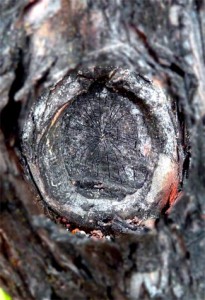
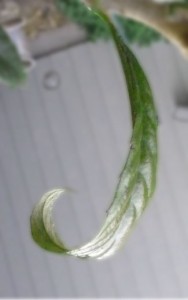
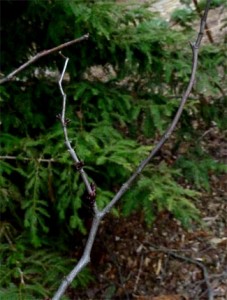
The “Letter in Nature” component of this project was somewhat anticlimactic as I’d put considerably more time into the portrait component. Nevertheless, I found this a great opportunity to practice using the selection strategies, especially hitting the “Q” key and literally painting a mask onto my images. I did a bit of saturation editing, and found playing with contrast was more valuable for defining the “letters.”
Note: Saving the selection (Select Menu > Save Selection) permits modifying the hue/saturation (for example) and is how people add/remove color from images. Working on the selection on its own layer produces interesting control. Returning to the original image and selecting Inversion (Select Menu) selects the background. Saving that selection (e.g. background) permitted me to add a blur filter on its own layer.